Taking the lab into GitLab CI/CD
In Lab #2, I used NetBox as Ansible’s dynamic inventory and rendered a Cisco IOS configuration for each device with Jinja2. I ran the playbooks myself. This time I wanted a push to GitLab to produce configs I could inspect, then give me a manual step to apply the reviewed config to one router.
Getting the runner to render configs
The first job failed at command -v ansible-playbook. GitLab’s shell runner was running as gitlab-runner, while my working Ansible install lived in my own Python virtual environment. I updated the job to create a .venv in its checkout, install the Python dependencies and Ansible collections from the repository, and call .venv/bin/ansible-playbook explicitly. I also pointed tasks delegated to localhost at that interpreter so they used the dependencies installed by the job.
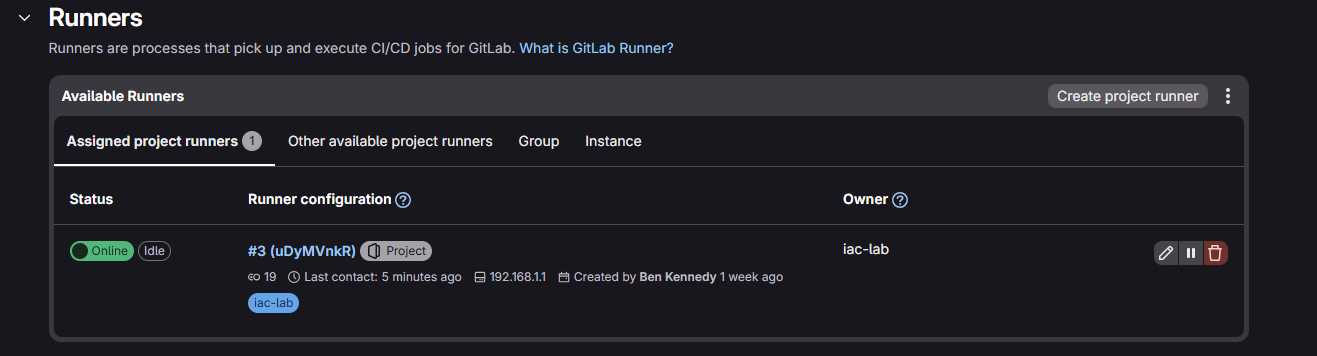
The next run was green even though it rendered nothing. Ansible couldn’t decrypt the NetBox API token, so the inventory loaded no hosts and the play skipped everything. I set ANSIBLE_INVENTORY_ANY_UNPARSED_IS_FAILED so an inventory parsing error would fail the job, and supplied ANSIBLE_VAULT_PASSWORD_FILE as a protected GitLab File variable. GitLab puts the value in a temporary file and passes its path to Ansible, which reads it to unlock the encrypted NetBox token. GitLab File variables
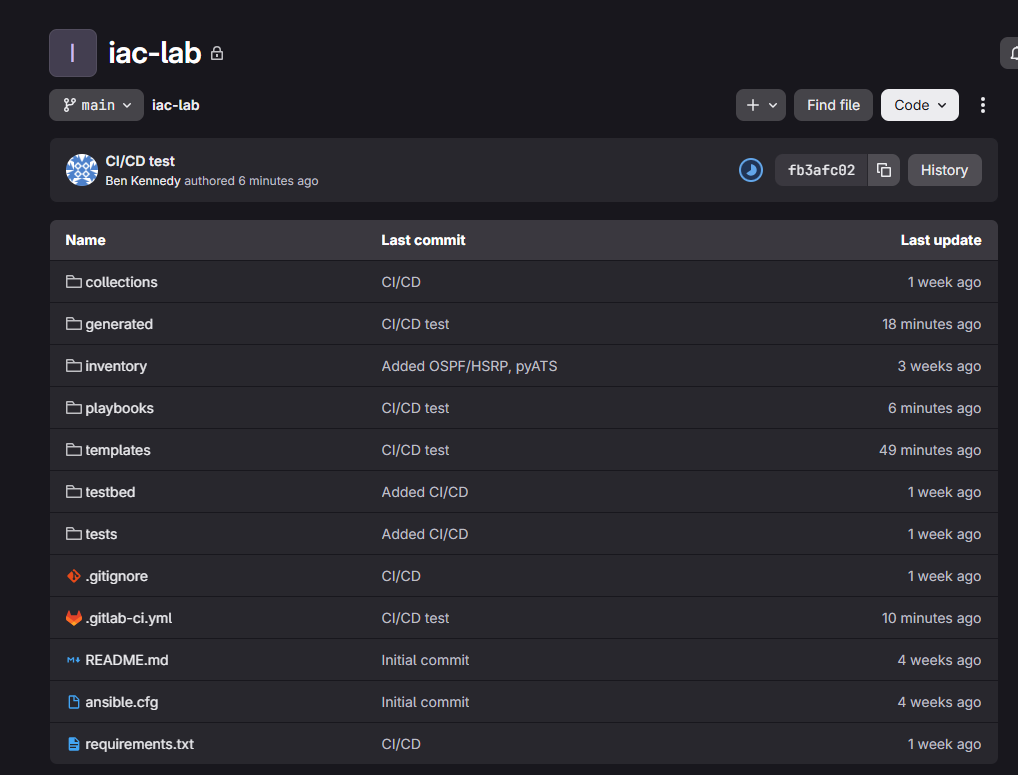
Once inventory loaded, the render job produced five .cfg files, one each for R1, R2, R3, SW1 and SW2. GitLab collected generated/*.cfg as artifacts attached to the job, so I could open the files and see what that pipeline had rendered.
Reviewing and deploying to R1
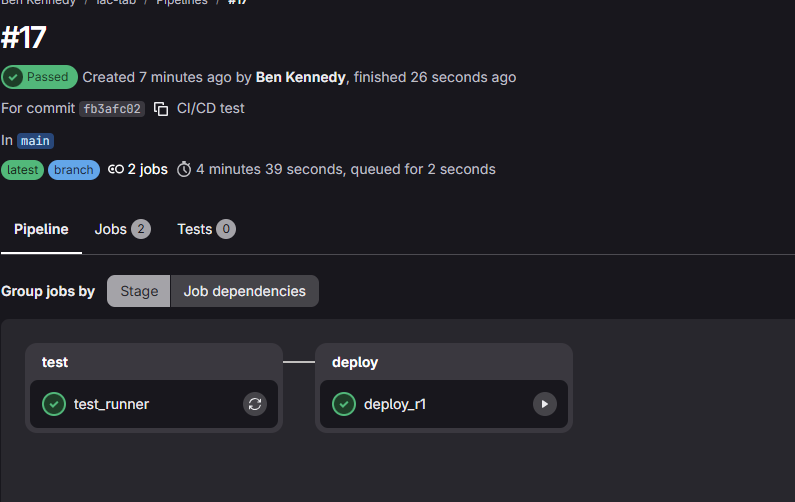
I added a manual deploy_r1 job that downloads the render artifacts from the same pipeline. Before clicking Play, I reviewed generated/R1.cfg for the intended OSPF, transit and loopback configuration. I’d marked R1’s out-of-band interface as management-only in NetBox and updated the Jinja2 template to skip interfaces with that flag. The job still connects to R1 using the management address from the existing inventory.
The deploy job checks that the artifact is present and non-empty, then runs the playbook with --limit R1. It uses the reviewed file as input, so any NetBox edits between review and deployment can’t change the configuration that job applies. cisco.ios.ios_config backs up the running config before applying the change, and GitLab retains the backup as a separate artifact. I used save_when: never to keep startup config out of the first deployment. GitLab artifact dependencies · Ansible IOS config module
Checking the network after deployment
R1 had full OSPF adjacencies with R2 and R3, but its routing table was missing the client LAN. On R2, the LAN interface was up and had an IP address, yet it didn’t appear in the OSPF interface list. I added the LAN interface as passive in R2’s NetBox OSPF context. The rendered configuration enables OSPF on that interface while keeping it passive, so R2 can advertise the subnet without sending OSPF hellos towards the clients. In a later check, R1 had two equal-cost OSPF paths to 10.0.0.0/24, one through each router.
The host mattered too. PC1 could reach its HSRP gateway, but needed a default route to reply to traffic sourced from R1’s loopback. Once that was in place, a manual ping from Loopback0 got five replies. I then added a cisco.ios.ios_ping task to the deploy playbook to check the same path and retry after a failure. The deployment job passed with that check in place.
What comes next
The next step is to review the R2 and R3 artifacts and extend deployment and reachability checks to those routers. I also want to wire the pyATS OSPF and HSRP checks into the pipeline, so a run can verify the expected neighbour and gateway state as well as reachability to PC1.